Meditation and sleep apps
TikTok marketing for meditation apps
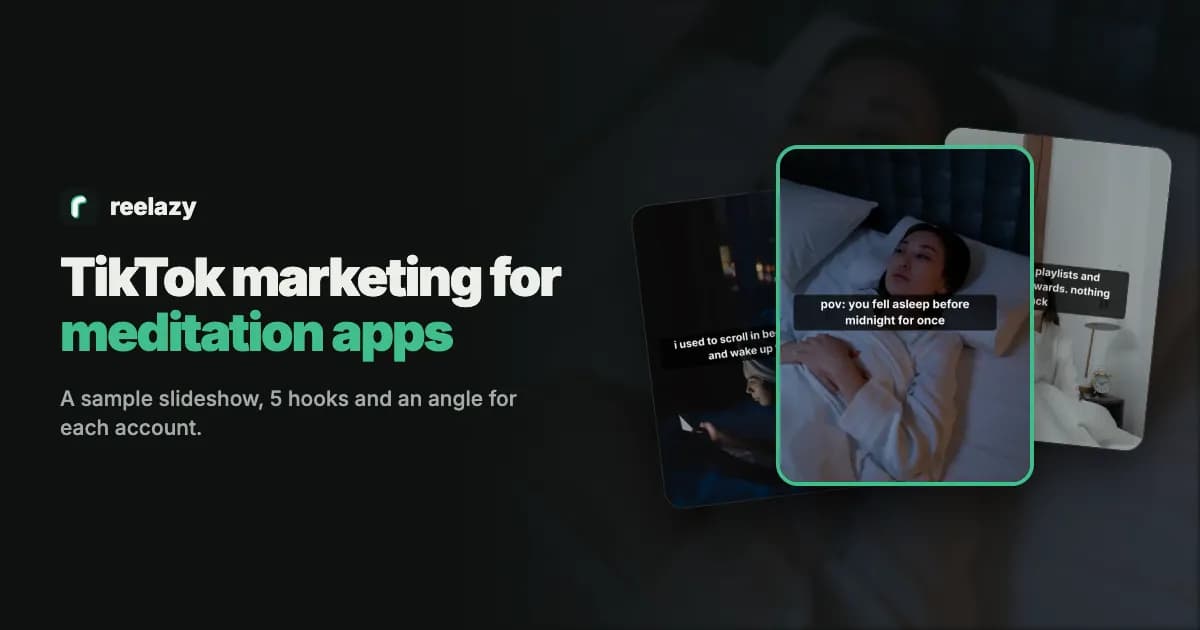
TikTok marketing for meditation apps meets people where they are: in bed, scrolling, past midnight. A quiet first-person story or a short list of things to try tonight fits that moment better than an ad. Here is a sample post for a sleep app, 5 hooks, the formats that fit and an angle for each account.
Sound familiar?
- Your users are on TikTok at midnight. Your account posts once a month.
- A recording of a breathing timer doesn't stop anyone.
- Free meditation videos are everywhere, so a paid app is a hard sell in a post.
- Calm content needs a calm voice, and AI-written slides sound like an ad.
A sample TikTok slideshow for a meditation app
A Story / POV post for a made-up meditation app on @yourapp, laid out and drawn by Reelazy on stock photos. Each slide is 3:4, the frame TikTok shows photo posts in (more in the TikTok photo slides guide).
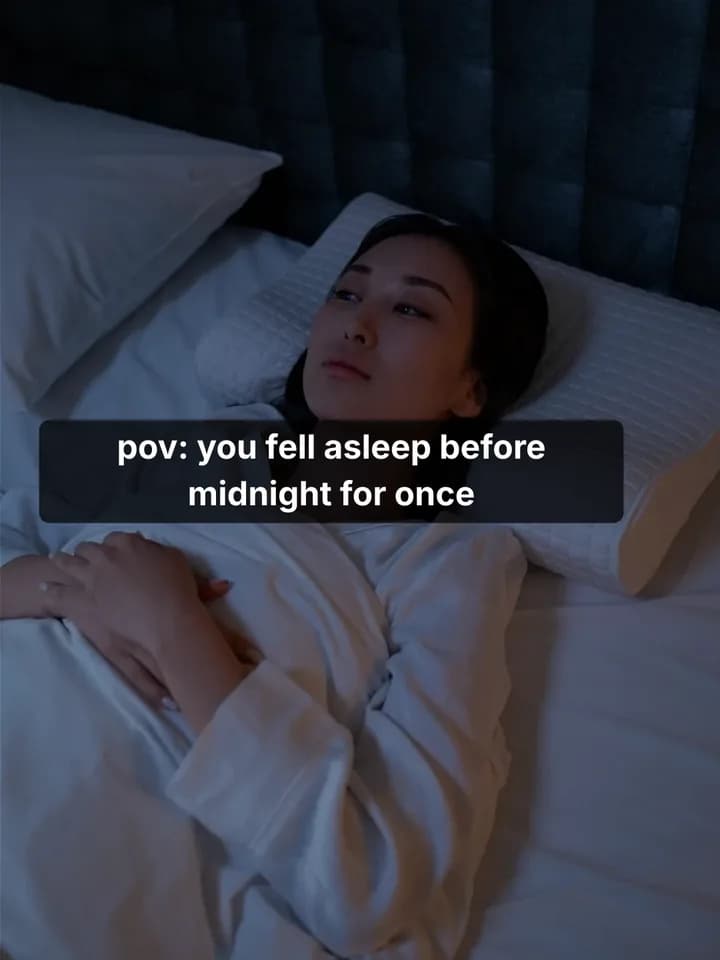 1 / 5
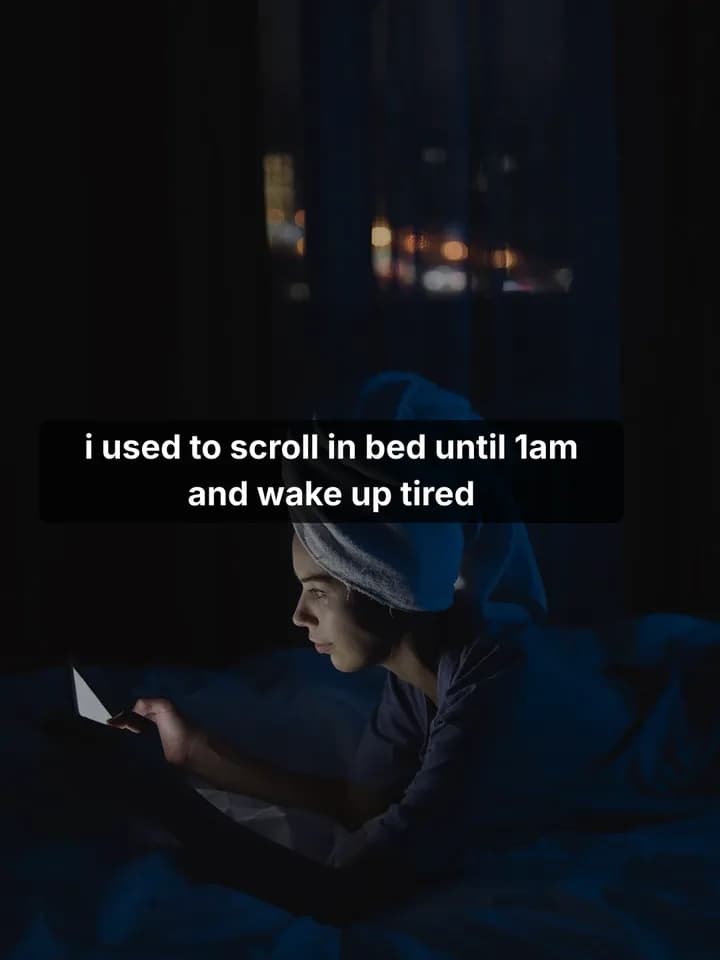 2 / 5
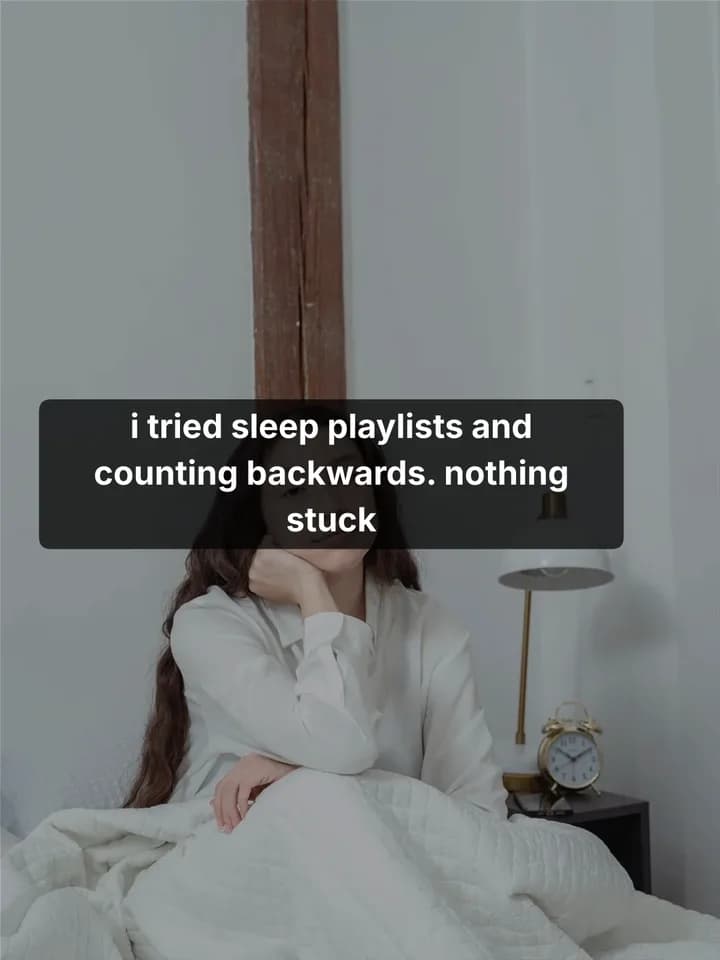 3 / 5
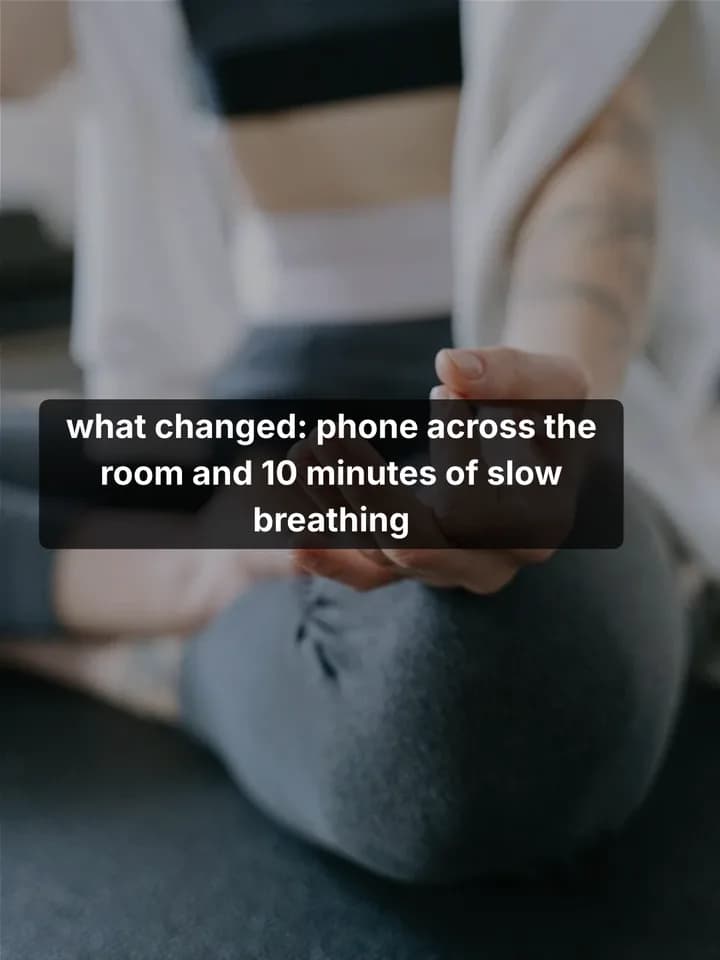 4 / 5
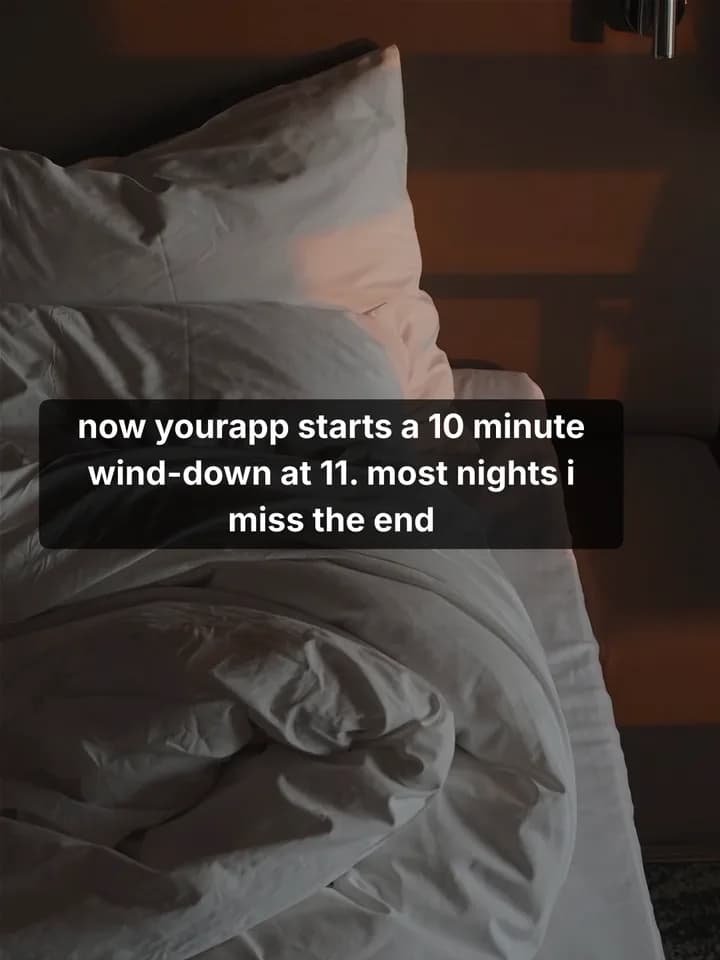 5 / 5
TikTok marketing for meditation apps, step by step
- 1
Save a post you like
Find a sleep, stress or calm slideshow that people clearly finish. Save it with the Chrome extension, or add screenshots of its slides.
Save posts you like - 2
Copy its format
Reelazy copies the post's structure and look, never its words or photos, and keeps it in your formats.
Copy a TikTok format - 3
Make posts about your app
Paste your app or store link once. Pick the days and times, and Reelazy writes up to 30 posts in that format, about a minute a post.
Make posts - 4
Approve, then post
Read each post, edit or skip it. Approved posts go to your TikTok inbox or straight to your profile through TikTok's official API.
Approve posts
5 TikTok hooks for meditation apps
First slides for a meditation app. Change the details to fit yours.
- 1.“pov: you fell asleep before midnight for once”
- 2.“Sleep mistakes I made for years”
- 3.“3 things I do when my mind won't switch off”
- 4.“Uncomfortable truths about meditating”
- 5.“What I do in the 10 minutes before bed”
More in the TikTok hooks library. Check a hook reads in time with the slide text checker.
Formats that fit
- Story / POVthe sample above
A night of scrolling that ends differently, in small text like a person posting. Quiet, and easy to see yourself in.
- Listicle tips
Small things to try tonight, one per slide, saved for later.
- Uncomfortable truths
Honest lines for people who tried meditating and stopped.
One app, three accounts, three angles
Many apps post on more than one TikTok account. Give each its own angle so they never post the same thing. In Reelazy each account keeps its angle, and a new post is told what the app’s other accounts posted lately (many accounts).
@yourapp
Sleep stories: late nights that end better.
First hook: “pov: you fell asleep before midnight for once”
@yourapp.calm
Quick resets for stressful days at work.
First hook: “3 things I do when my mind won't switch off”
@yourapp.tips
Sleep mistakes and small fixes.
First hook: “Sleep mistakes I made for years”
Before you post: talk about calm, not treatment
Keep posts to rest, stress and habits. TikTok's mental health guidelines limit content that could harm people who are struggling, and a slide that sounds like medical advice reads like an ad anyway.
Source: TikTok Community Guidelines: Mental and behavioral health
Questions
How do I choose the music for a calm post?
With Inbox, the post waits in your TikTok inbox and you pick the sound in the TikTok app before you post. With Direct, you can let TikTok add recommended music. The words are on the slides, so they work with any quiet track.
Can one app post on several TikTok accounts?
Yes. Each account gets its own angle and posting times, and a new post is told what the app's other accounts posted lately, so they don't repeat each other.
Do I need my own photos?
No. Reelazy puts each slide on a photo from its library. Add your own photos or app screenshots and it uses them on the slides that show the app.
How do the posts get to TikTok?
Through TikTok's official Content Posting API, to your TikTok inbox or straight to your profile. Nothing goes out until you approve it.
What does it cost?
Free covers 2 posts on 1 TikTok account, with no card. Pro is from $19 a month for 100 posts up to $200 for 1,250, with chat messages and copied formats included. Editing, scheduling and posting never use one up.
Related reading
- TikTok photo slides: the complete guide for 2026
Sizes, safe zones, how many images to use, what TikTok does with the music, and a repeatable way to turn one product into a week of photo posts.
- Why AI-written TikTok slides sound fake (and how to fix it)
The patterns that make AI slide text easy to spot (question hooks, lists of three, em dashes, filler words) and the writing rules that remove them.
- How to set up a TikTok account for your app (2026 guide)
How to set up a TikTok account for your app: what TikTok says, what founders do, warming up, the country, accounts per phone and the first two weeks.
Make your first 2 posts free
Paste your app or store link, show Reelazy a TikTok slideshow you like, and it makes your first 2 posts in that format. Free for 2 posts on 1 TikTok account, no card. Pro is from $19 a month.