Language-learning apps
TikTok slideshows for language-learning apps
Short, useful slides for people learning a language, on photos, with your app as one more tip at the end. You approve every post.
Sound familiar?
- Language learners are all over TikTok. You post there once a month, if that.
- Your app does the teaching, but a screen recording of a quiz doesn't make anyone stop.
- You are not sure whether to post tips, stories or your features.
- Each slideshow takes an evening by hand, so the posts stop after a week.
A sample post
A Listicle tips post for a made-up language-learning app on @yourapp, laid out and drawn by Reelazy on stock photos. Each slide is 3:4, the frame TikTok shows photo posts in.
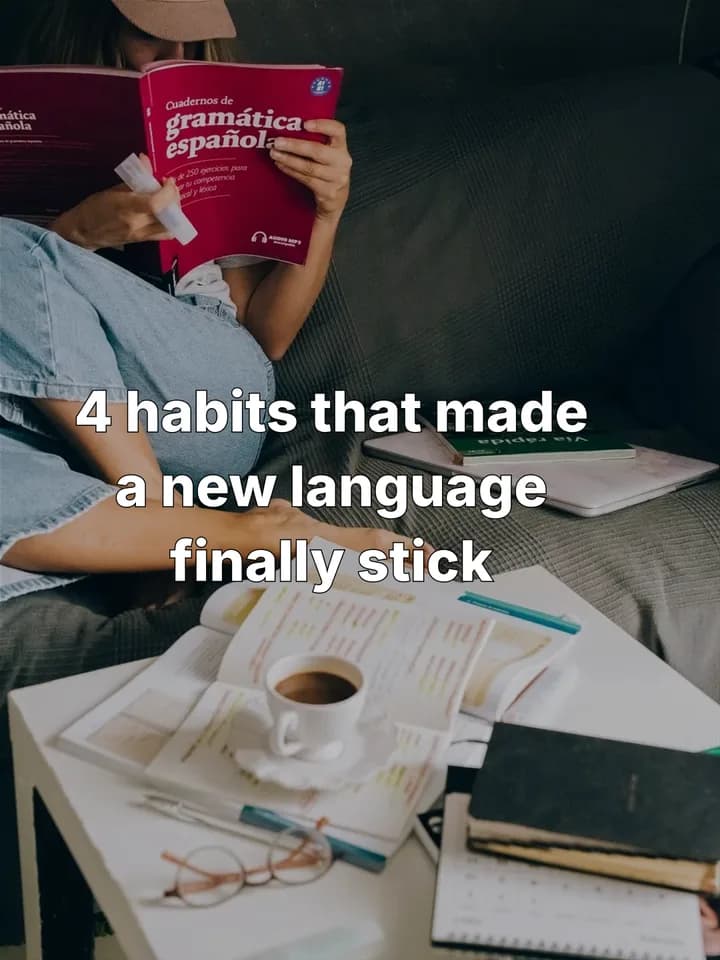 1 / 5
 2 / 5
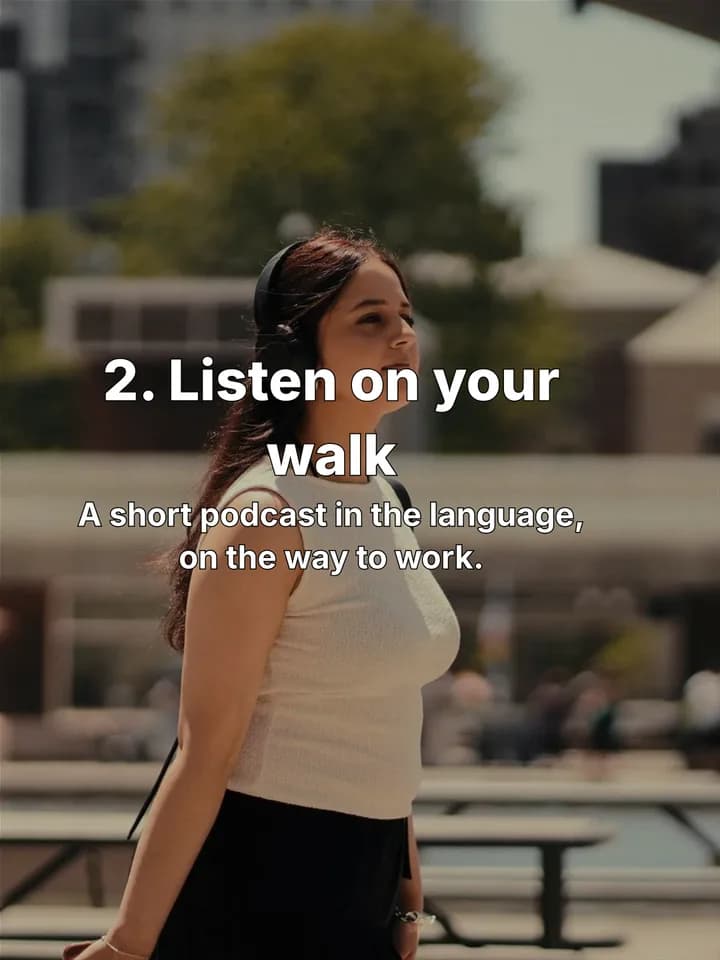 3 / 5
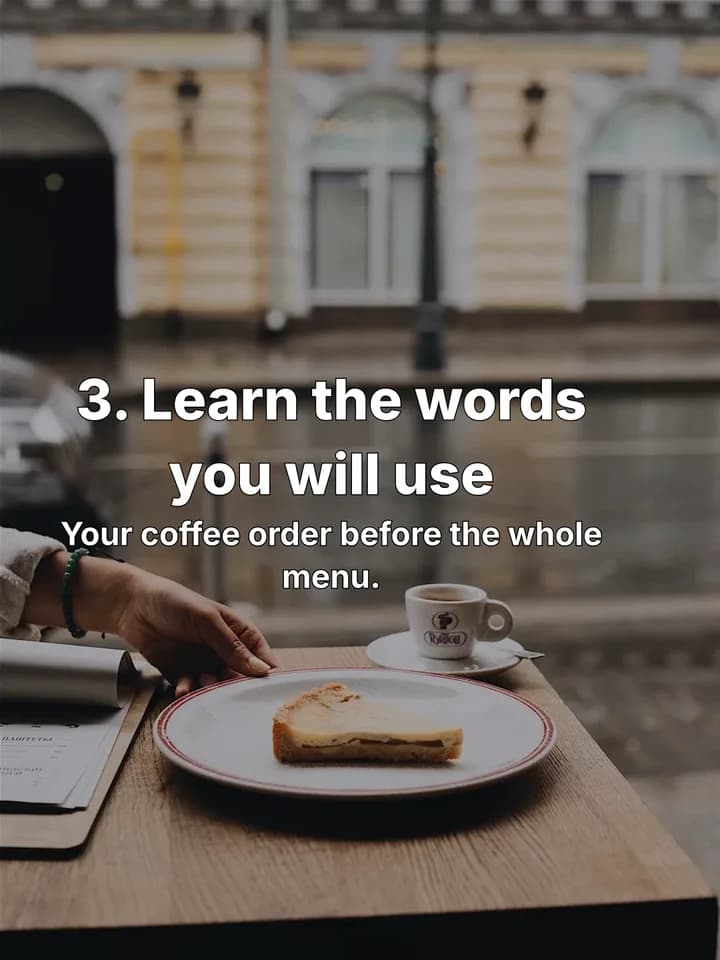 4 / 5
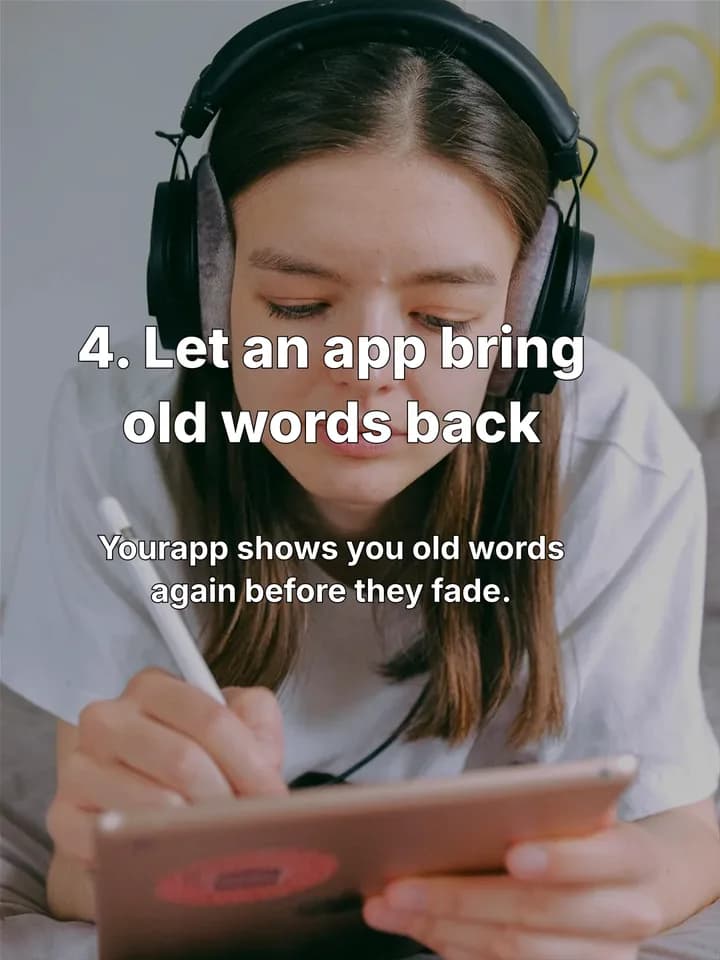 5 / 5
How it works for a language-learning app
- 1
Save a post you like
Find a language-learning slideshow that people clearly finish, in any language. Save it with the Chrome extension, or add screenshots of its slides.
Save posts you like - 2
Copy its format
Reelazy copies the post's structure and look, never its words or photos, and keeps it in your formats.
Copy a TikTok format - 3
Make posts about your app
Paste your app or store link once. Pick the days and times, and Reelazy writes up to 15 posts in that format, about a minute a post.
Make posts - 4
Approve, then post
Read each post, edit or skip it. Approved posts go to your TikTok inbox or straight to your profile through TikTok's official API.
Approve posts
5 hooks to start with
First slides for a language-learning app. Change the details to fit yours.
- 1.“4 habits that made a new language finally stick”
- 2.“Mistakes that kept me at beginner level for a year”
- 3.“Words I wish I had learned first”
- 4.“Uncomfortable truths about learning a language as an adult”
- 5.“pov: you ordered a coffee and understood the reply”
Formats that fit
- Listicle tipsthe sample above
Habits and small methods learners can try today, one per slide.
- Mistakes
The things that keep people stuck at beginner level, each with its fix.
- Uncomfortable truths
Honest lines about how learning really goes, for people past the basics.
Questions
Can I use screenshots of my app?
Yes. Add them to your photos and Reelazy uses them on the slides that show the app. The other slides get photos from its library.
Will every slide be about my app?
No. The formats help the viewer first and bring in your app softly on the last slide, like a tip from a friend.
How do the posts get to TikTok?
Through TikTok's official Content Posting API, to your TikTok inbox or straight to your profile. Nothing goes out until you approve it.
What does it cost?
Free covers 2 posts on 1 TikTok account, with no card. Pro is from $19 a month for 100 AI credits up to $200 for 2,000, and each post made uses one credit.
Related reading
- TikTok photo slides: the complete guide for 2026
Sizes, safe zones, how many images to use, what TikTok does with the music, and a repeatable way to turn one product into a week of photo posts.
- Why AI-written TikTok slides sound fake, and the rules we use to fix it
The specific patterns that make AI text recognisable on a slide (rhetorical hooks, lists of three, em dashes, filler words, even rhythm) and the writing rules that remove them.
- How long should the text on a TikTok slide be?
Viewers give a photo slide about three seconds. That works out to 8 to 20 words per slide and 14 for the hook. Here is the reasoning, the numbers, and a checker for your own slides.
Make your first 2 posts free
Paste your app or store link, show Reelazy a TikTok slideshow you like, and it makes your first 2 posts in that format. Free for 2 posts on 1 TikTok account, no card. Pro is from $19 a month.