Slideshow format · 6 slides
Uncomfortable truths TikTok slideshow
A hook that promises honest, slightly uncomfortable truths, one per slide, and a soft pointer to your product.
Example
 1 / 6
 2 / 6
 3 / 6
 4 / 6
 5 / 6
 6 / 6
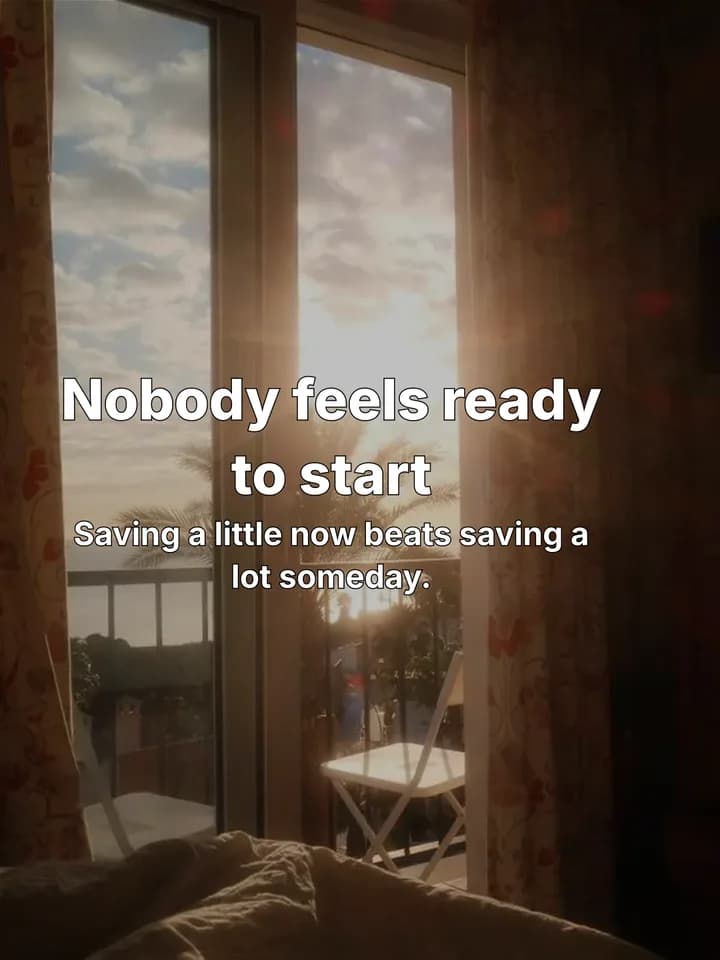
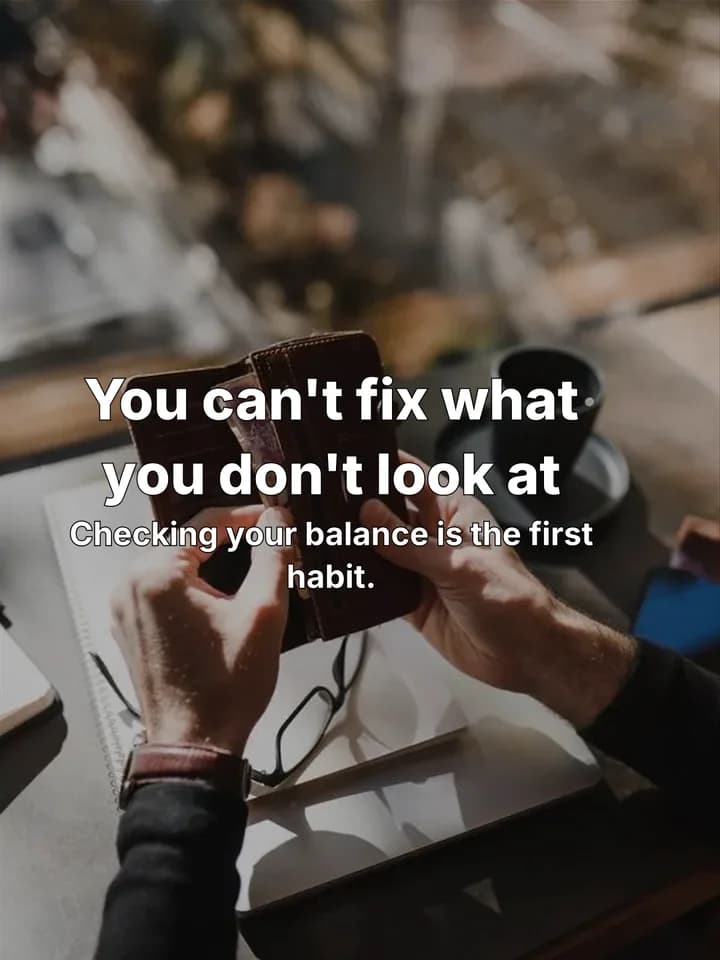
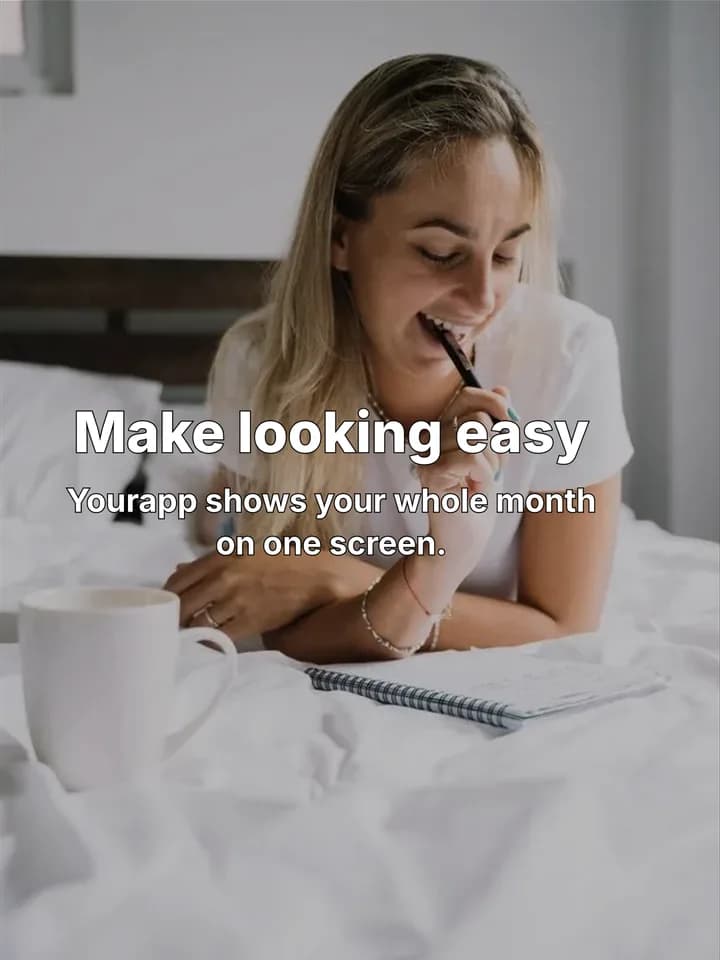
An example for a budgeting app, laid out by Reelazy on stock photos. Swipe through all 6 slides.
What it is
Hook, one hard truth per slide, a soft pointer to the product.
- Slide 1: the hook promises the truths ("Uncomfortable truths about saving money").
- One truth per slide, short and direct, with a line on why it matters.
- The last slide is a soft pointer to your product.
When to use it
When your audience already knows the basics and wants it straight. Short, direct lines invite people to agree or argue in the comments.
Hooks in this format
- “Uncomfortable truths about saving money”
- “Things I wish someone told me before my first budget”
Every slide is made at 1080 x 1440, the 3:4 frame TikTok shows photo posts in, so nothing gets cropped.
How to make it
- Step 1
Paste your link
Your app, website or store link. Reelazy reads it and writes a short brief: what you sell, who it is for, what they struggle with.
- Step 2
Show a look you like
Save a TikTok slideshow with the Chrome extension, add screenshots of one, or take one of the first slides Reelazy writes for your product.
- Step 3
Get your posts
Reelazy writes the posts in that look on photos from its library or your own. Approve, edit or skip each one; nothing goes to TikTok until you post it.
Questions
Do I need my own photos?
No. Reelazy puts each uncomfortable truths slide on a photo from its library. Add your product photos or app screenshots and it uses them on the slides that show the product.
Can I copy a TikTok slideshow I like?
Yes. Save it with the Chrome extension or add screenshots of its slides. Reelazy copies its structure and look, never its words or photos, and writes your posts in it.
Will TikTok label it as AI?
A slideshow of photos and text is not marked as AI-generated. When a slide has a chart or drawing that Reelazy drew, the post carries TikTok's AI-generated content label.
How does it get posted?
Through TikTok's official Content Posting API, to your TikTok inbox or straight to your profile. Nothing goes out until you approve it.
Other formats



Get your first two posts in a few minutes
Paste your app, website or store link, show Reelazy a TikTok look you like, and it makes your first two posts. Free for 2 posts and 1 product, no card. Pro is $19 a month or $190 a year.
Start free