Fitness and habit apps
TikTok slideshows for fitness apps
Stories and small habits for people trying to move more, as text on photos. No filming, no trainer on camera. You approve every post.
Sound familiar?
- Fitness TikTok is full of workout videos. You have an app, not a camera crew.
- People look for a fresh start every January, and your account is quiet.
- Posts of your app's screens got a few views and no follows.
- Posting every day is hard to keep up while you ship the app.
A sample post
A Story / POV post for a made-up fitness app on @yourapp, laid out and drawn by Reelazy on stock photos. Each slide is 3:4, the frame TikTok shows photo posts in.
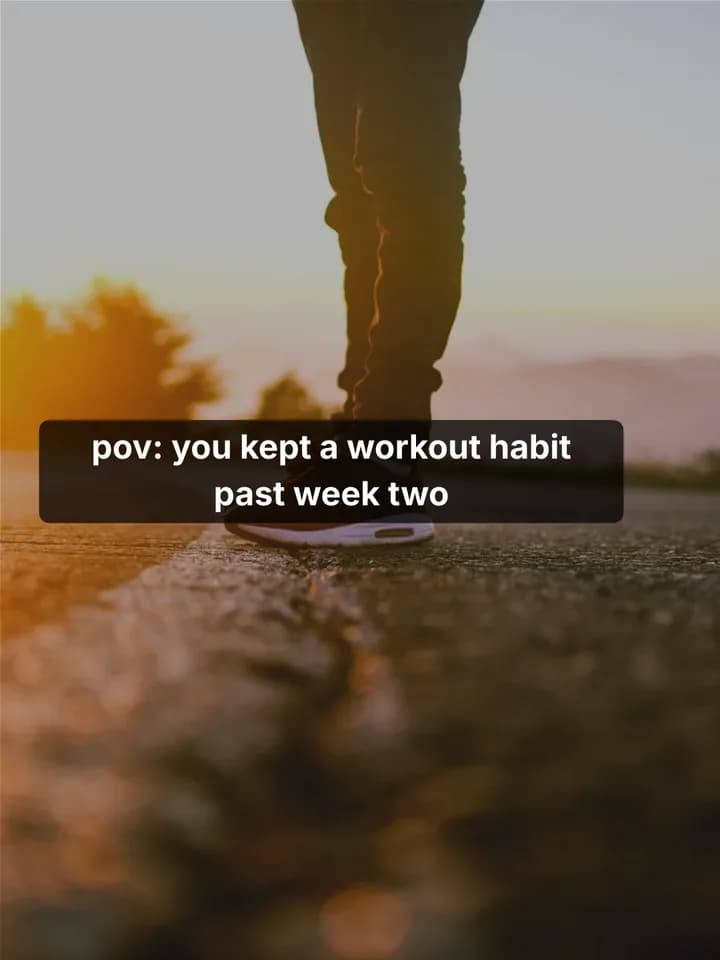 1 / 5
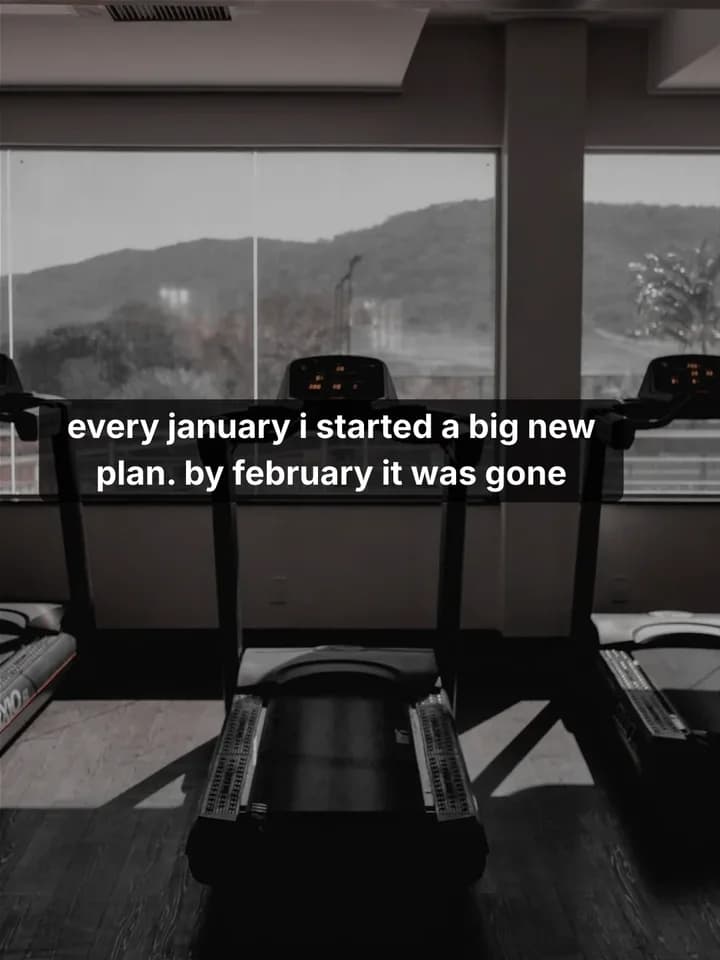 2 / 5
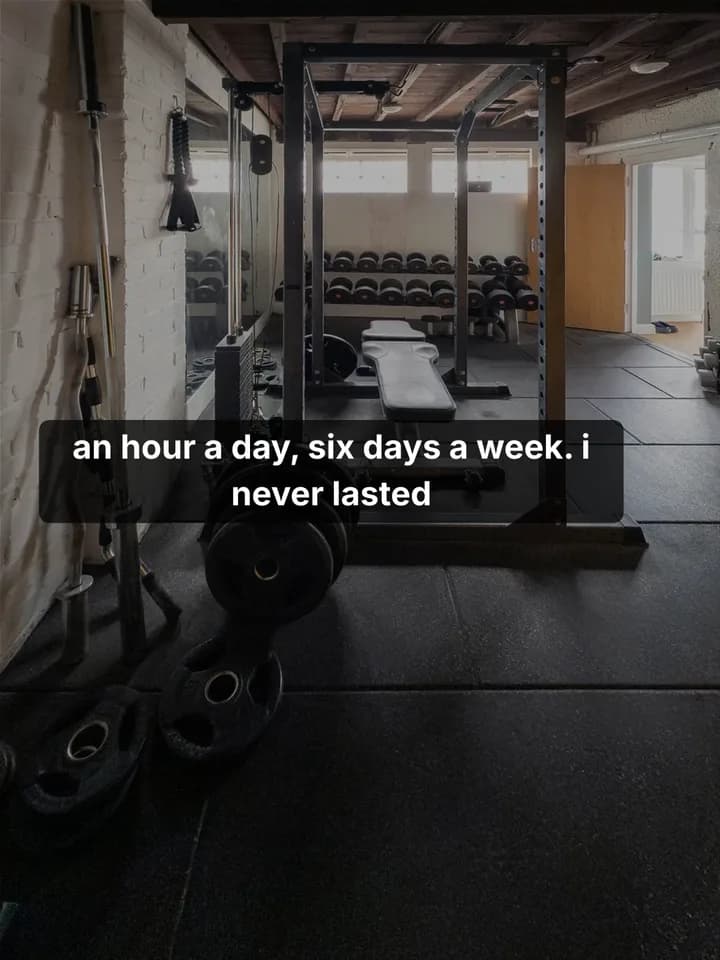 3 / 5
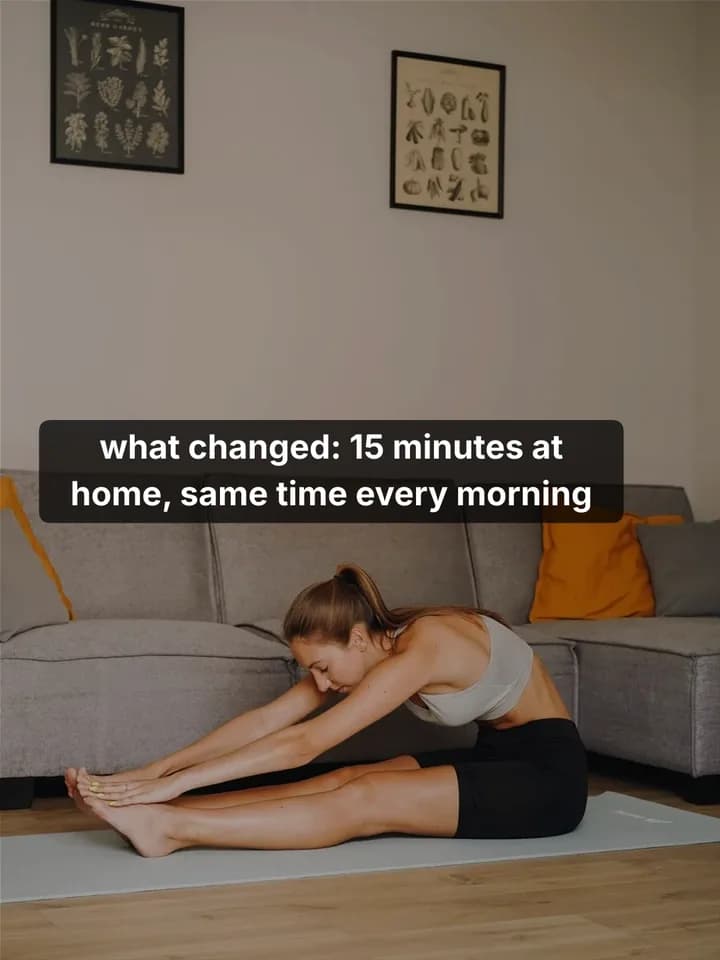 4 / 5
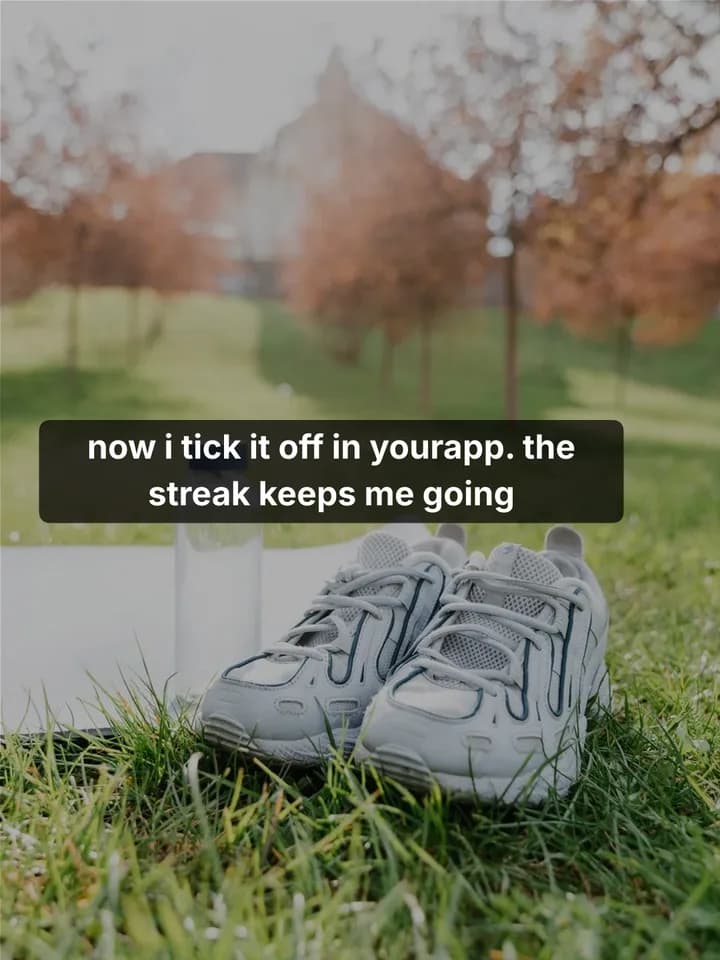 5 / 5
How it works for a fitness app
- 1
Save a post you like
Find a fitness or habit slideshow that people clearly finish. Save it with the Chrome extension, or add screenshots of its slides.
Save posts you like - 2
Copy its format
Reelazy copies the post's structure and look, never its words or photos, and keeps it in your formats.
Copy a TikTok format - 3
Make posts about your app
Paste your app or store link once. Pick the days and times, and Reelazy writes up to 15 posts in that format, about a minute a post.
Make posts - 4
Approve, then post
Read each post, edit or skip it. Approved posts go to your TikTok inbox or straight to your profile through TikTok's official API.
Approve posts
5 hooks to start with
First slides for a fitness app. Change the details to fit yours.
- 1.“pov: you kept a workout habit past week two”
- 2.“Workout mistakes I made for years”
- 3.“4 small habits that got me moving every day”
- 4.“What I do on days I don't feel like working out”
- 5.“Uncomfortable truths about getting fit after 30”
Formats that fit
- Story / POVthe sample above
Starting again after a break is a story many people know. Small text in TikTok's own style reads like a person posting.
- Mistakes
Common beginner mistakes, each with a simple fix.
- Listicle tips
Small habits that fit a busy day, one per slide.
Questions
Do I have to film workouts or show my face?
No. Reelazy makes photo slideshows: text on photos from its library or your own. There is nothing to film.
Do I need my own photos?
No. Reelazy puts each slide on a photo from its library. Add your own photos or app screenshots and it uses them on the slides that show the app.
Will TikTok label the post as AI-made?
A slideshow of photos and text is not marked as AI-generated. When a slide has a chart or drawing that Reelazy drew, the post carries TikTok's AI-generated content label.
How do the posts get to TikTok?
Through TikTok's official Content Posting API, to your TikTok inbox or straight to your profile. Nothing goes out until you approve it.
What does it cost?
Free covers 2 posts on 1 TikTok account, with no card. Pro is from $19 a month for 100 AI credits up to $200 for 2,000, and each post made uses one credit.
Related reading
- How to set up a TikTok account for your app (2026 guide)
What TikTok actually says, what experienced founders do, and what to skip. Warming up a new account, reaching viewers in another country, how many accounts per phone, and how to post the first two weeks.
- TikTok 0 views on a new account: what it means and what to do
Exactly 0 views is a different problem from 200 views. A checklist that starts with TikTok's own tools, then what founders do when a whole account goes cold, and what does not cause it.
- How to make a TikTok photo carousel that sells (step by step)
A repeatable process for turning one product into a photo post people finish and act on: pick the angle, write the hook, structure six slides, choose photos, write the caption, post at the right time.
Make your first 2 posts free
Paste your app or store link, show Reelazy a TikTok slideshow you like, and it makes your first 2 posts in that format. Free for 2 posts on 1 TikTok account, no card. Pro is from $19 a month.