Investing apps
TikTok marketing for investing apps
TikTok marketing for investing apps has to be careful and still be worth a swipe. Plain truths about starting small, fees and checking too often do that without promising returns. Here is a sample post, 5 hooks, the formats that fit, an angle for each account and the rules to know first.

Sound familiar?
- Finance TikTok is loud, and you can't promise what the loud accounts promise.
- Every post needs a careful read before it goes out, so posting stops.
- A chart of your app's returns is the one thing you shouldn't post.
- Young investors are on TikTok. Your account isn't, most weeks.
A sample TikTok slideshow for an investing app
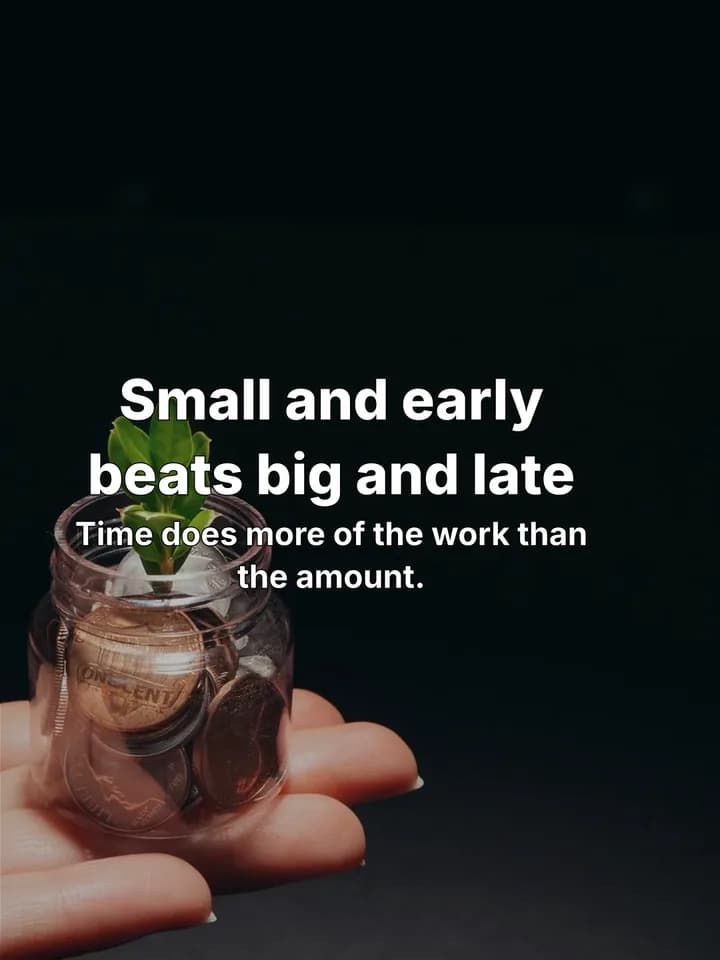
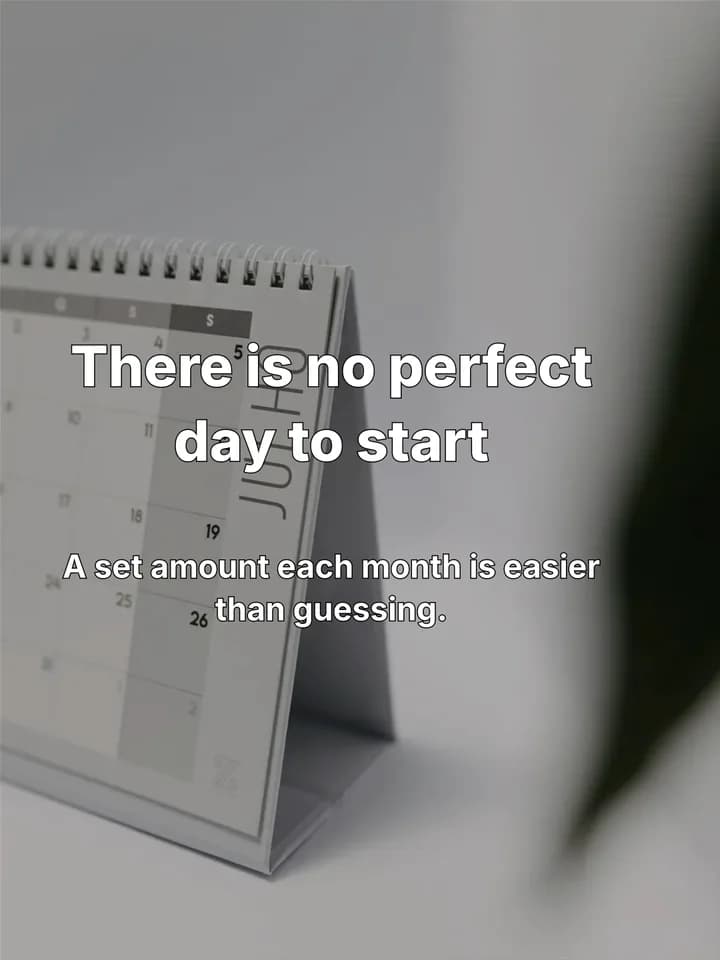
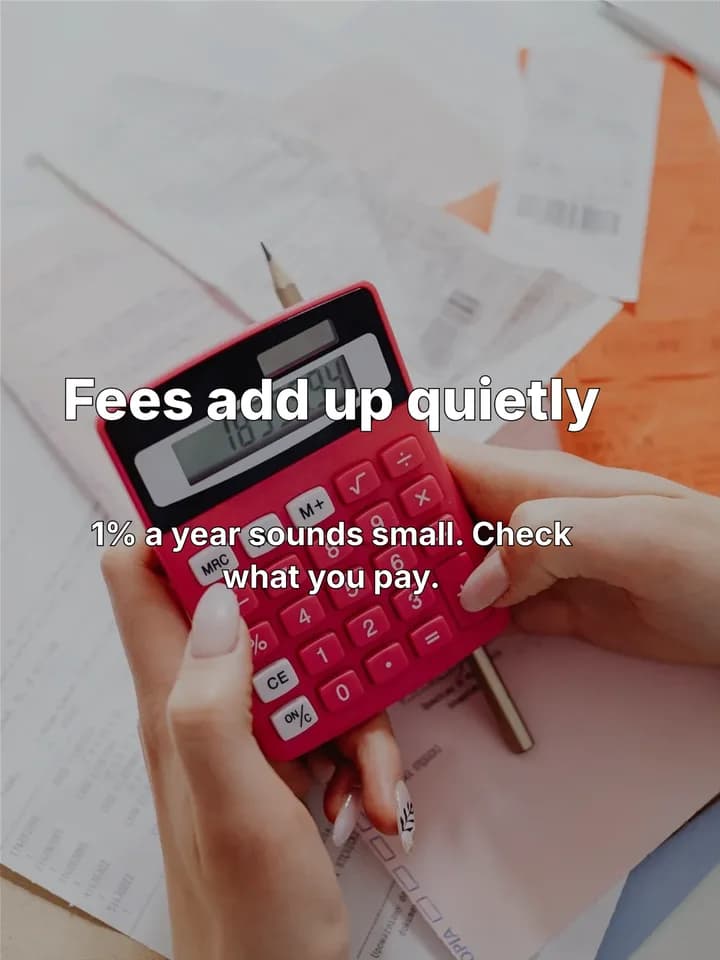
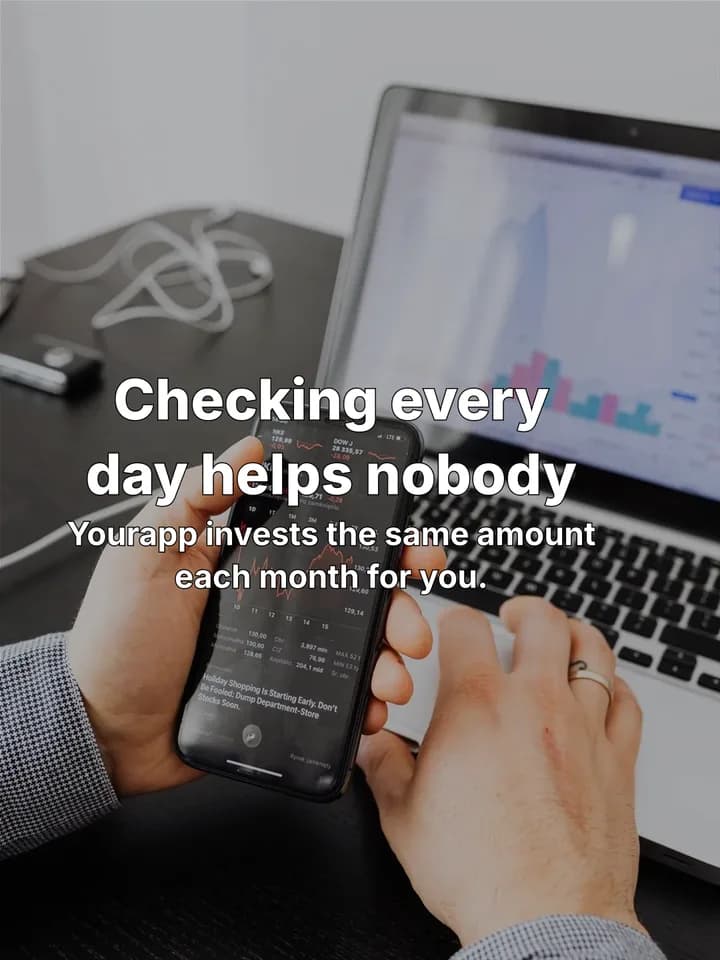
A Uncomfortable truths post for a made-up investing app on @yourapp, laid out and drawn by Reelazy on stock photos. Each slide is 3:4, the frame TikTok shows photo posts in (more in the TikTok photo slides guide).
 1 / 5
 2 / 5
 3 / 5
 4 / 5
 5 / 5
TikTok marketing for investing apps, step by step
- 1
Save a post you like
Find a money or investing slideshow that people clearly finish and argue about in the comments. Save it with the Chrome extension, or add screenshots of its slides.
Save posts you like - 2
Copy its format
Reelazy copies the post's structure and look, never its words or photos, and keeps it in your formats.
Copy a TikTok format - 3
Make posts about your app
Paste your app or store link once. Pick the days and times, and Reelazy writes up to 30 posts in that format, about a minute a post.
Make posts - 4
Approve, then post
Read each post, edit or skip it. Approved posts go to your TikTok inbox or straight to your profile through TikTok's official API.
Approve posts
5 TikTok hooks for investing apps
First slides for an investing app. Change the details to fit yours.
- 1.“Uncomfortable truths about investing in your 20s”
- 2.“Investing mistakes I made with my first $1,000”
- 3.“What I wish I knew before I bought my first fund”
- 4.“4 boring money habits that beat checking the app daily”
- 5.“pov: you stopped checking your portfolio every hour”
More in the TikTok hooks library. Check a hook reads in time with the slide text checker.
Formats that fit
- Uncomfortable truthsthe sample above
Honest, slightly unpopular lines start talk in the comments without promising anything.
- Mistakes
Beginner mistakes (fees, timing, panic selling), each with a calm fix.
- Listicle tips
Steps to start, one per slide, for people who haven't yet.
One app, three accounts, three angles
Many apps post on more than one TikTok account. Give each its own angle so they never post the same thing. In Reelazy each account keeps its angle, and a new post is told what the app’s other accounts posted lately (many accounts).
@yourapp
Honest truths for first-time investors.
First hook: “Uncomfortable truths about investing in your 20s”
@yourapp.basics
Plain words for fund, fee and index, one per post.
First hook: “What I wish I knew before I bought my first fund”
@yourapp.habits
Boring habits: a set amount each month, checking less.
First hook: “4 boring money habits that beat checking the app daily”
Before you post: a post is a financial promotion
In many countries a post about an investing product must be fair, show its risks and carry any required warning on the post itself. In the UK, the FCA says each social media promotion must comply on its own. Read every post before you approve it, and add the warning your regulator asks for.
Questions
Will Reelazy write about returns or tell people what to buy?
Its formats help the viewer first and bring the app in softly on the last slide; they don't need return figures or picks. You read and approve every post, and you can edit any line, so a required risk warning can go on the last slide.
Can one app post on several TikTok accounts?
Yes. Each account gets its own angle and posting times, and a new post is told what the app's other accounts posted lately, so they don't repeat each other.
How do the posts get to TikTok?
Through TikTok's official Content Posting API, to your TikTok inbox or straight to your profile. Nothing goes out until you approve it.
What does it cost?
Free covers 2 posts on 1 TikTok account, with no card. Pro is from $19 a month for 100 posts up to $200 for 1,250, with chat messages and copied formats included. Editing, scheduling and posting never use one up.
Related reading
- Why AI-written TikTok slides sound fake (and how to fix it)
The patterns that make AI slide text easy to spot (question hooks, lists of three, em dashes, filler words) and the writing rules that remove them.
- How to set up a TikTok account for your app (2026 guide)
How to set up a TikTok account for your app: what TikTok says, what founders do, warming up, the country, accounts per phone and the first two weeks.
- TikTok Content Posting API: what it can do for photo posts
What the TikTok Content Posting API lets an app do with photo posts: inbox drafts or direct posts, the audit, daily limits, privacy choices and music.
Make your first 2 posts free
Paste your app or store link, show Reelazy a TikTok slideshow you like, and it makes your first 2 posts in that format. Free for 2 posts on 1 TikTok account, no card. Pro is from $19 a month.