Hook pattern · 18 hooks
Comparison hooks for TikTok slideshows
Comparison hooks put two choices side by side: “Cash vs card: the one that actually helped me save”. On a TikTok slideshow each option gets its own slide, and the verdict comes at the end. Viewers who are choosing between the two swipe to the last slide, and many save it for when they decide.
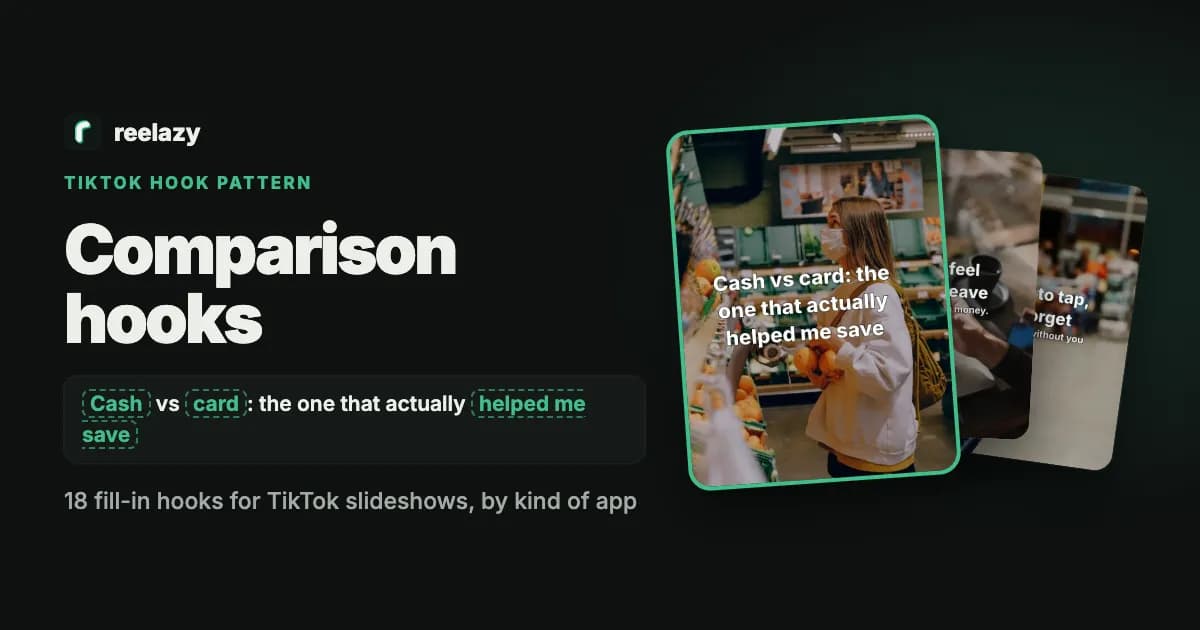
What a comparison hook looks like
blank: Cash vs blank: card: the one that actually blank: helped me save
The slides after it
- 1.Slide 1: both options and what you were trying to get.
- 2.One slide per option: the good and the bad.
- 3.The verdict, then how your app fits whichever they pick.
Why this vs that hooks work on TikTok slideshows
- People compare before they choose. The hook answers a question they already have.
- One option per slide keeps it fair and easy to scan.
- The verdict sits on the last slides, so viewers swipe to the end.
- “I tried both” makes it a test, not an opinion.
On a slideshow the first slide is the hook: no voice, no motion, just the words and the photo, read in about two seconds. Keep it under 14 words (why).
18 this vs that hook examples, by kind of app
Written for app founders, grouped by kind of app. The words in boxes are blanks: swap in your own details.
Budgeting apps
- blank: Cash vs blank: card: the one that actually helped me save
- blank: 50/30/20 vs blank: zero-based budgeting: I tried both
- Saving blank: $5 a day vs blank: $150 a month: what stuck
Fitness apps
- blank: Home workouts vs blank: the gym: what I'd pick again
- blank: Running vs blank: cycling for busy weeks
- blank: Morning vs blank: evening workouts: I tried both for a month
Language apps
- blank: Flashcards vs blank: podcasts: what made words stick
- blank: Classes vs blank: an app: I tried both for blank: 3 months
- blank: 10 new words a day vs blank: one conversation a week
Study apps
- blank: Rereading vs blank: testing yourself: same hour, different results
- blank: Library vs blank: home: where I actually focus
- blank: Pomodoro vs blank: long blocks: I tried both before blank: finals
Meditation and sleep apps
- blank: Morning vs blank: night meditation: the one that stuck
- blank: Guided vs blank: silent meditation for beginners
- blank: Scrolling vs blank: reading before bed: my sleep for a week
Productivity apps
- blank: To-do lists vs blank: time blocking: I tried both
- blank: Paper planner vs blank: app: what kept me on track
- Working blank: 8 hours vs blank: 6 focused hours: what got more done
Example: a comparison slideshow for a budgeting app
A made-up budgeting app on @yourapp. The words are ours; Reelazy laid out and drew the slides on stock photos, at 3:4, the frame TikTok shows photo posts in.
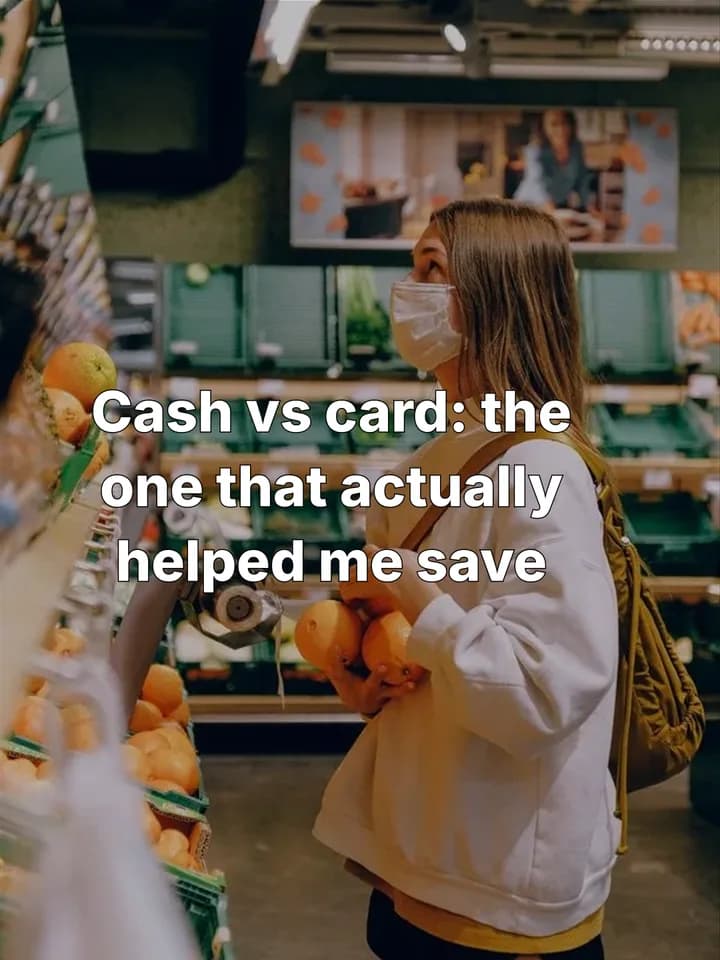 1 · The hook: two options and the goal.
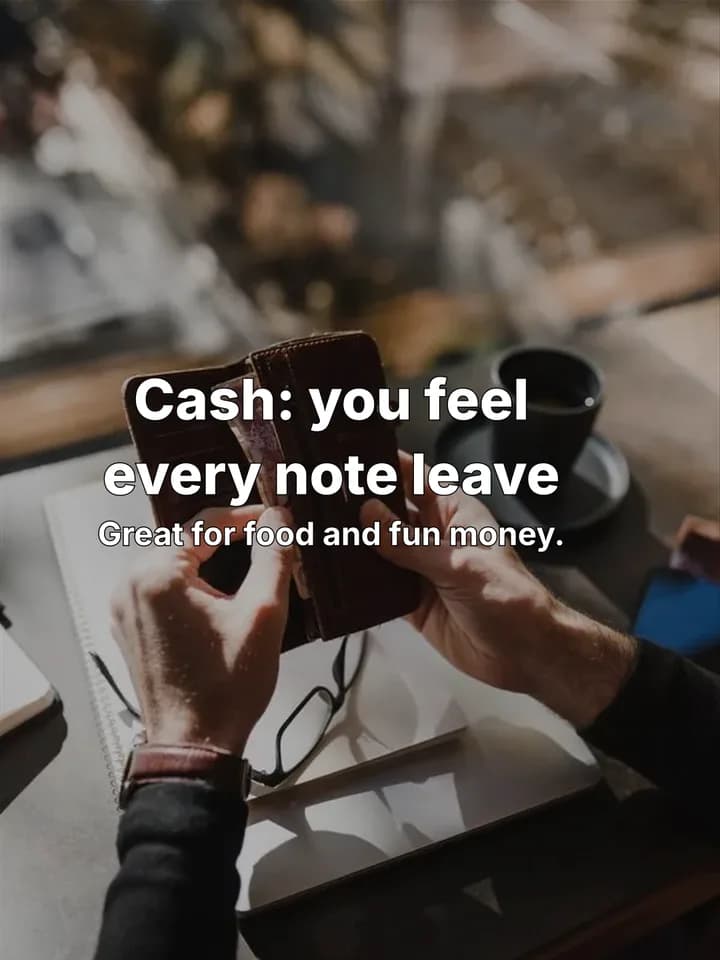 2 · Option one.
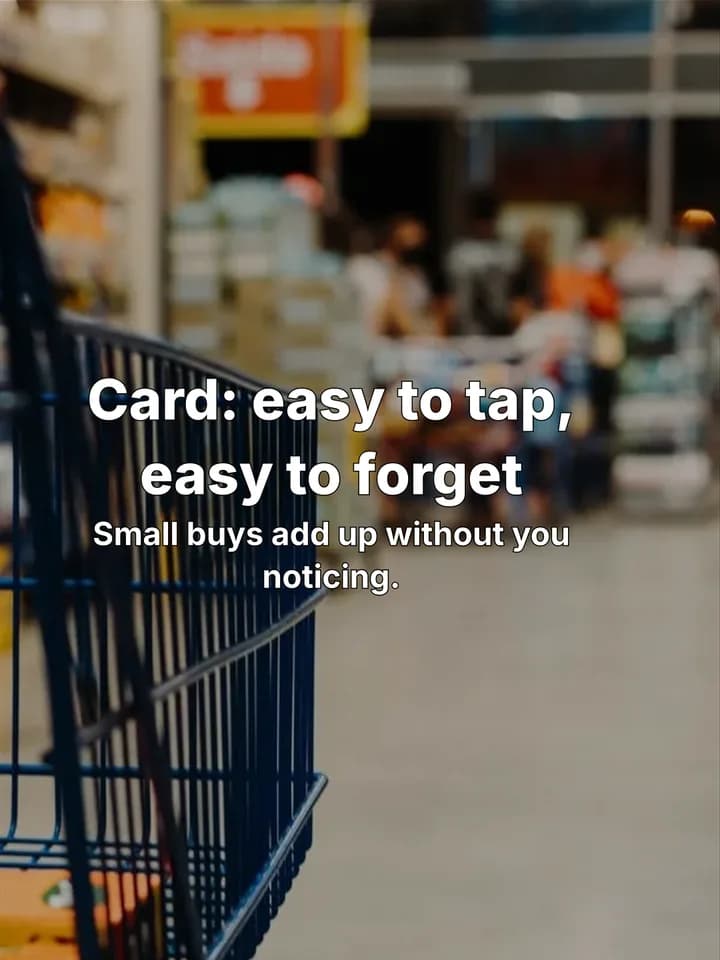 3 · Option two.
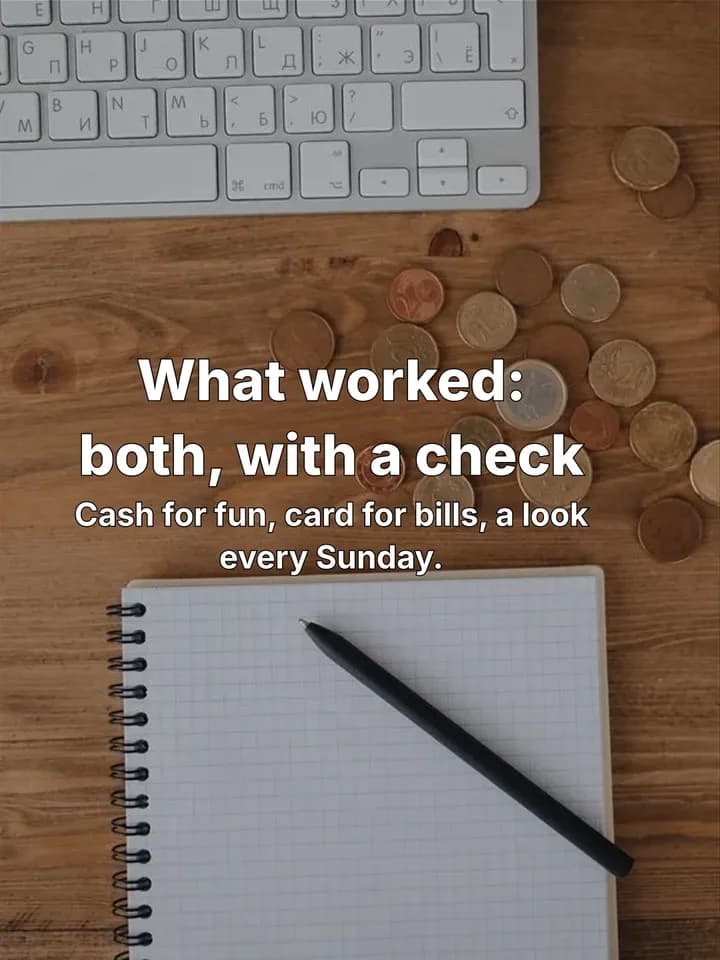 4 · The verdict.
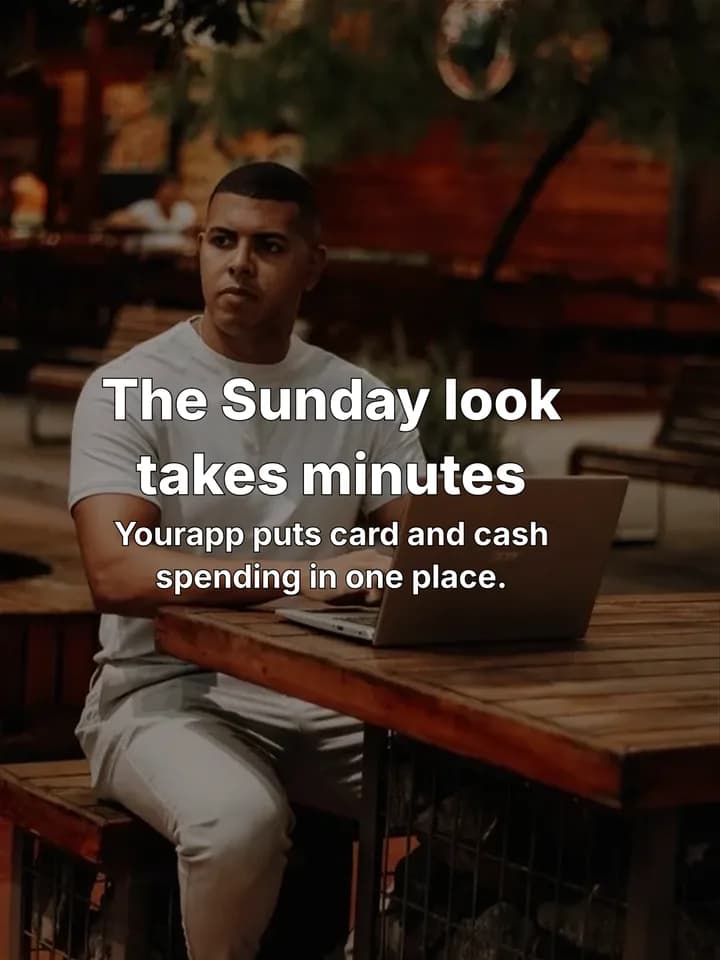 5 · Where the app fits.
How to use comparison hooks in Reelazy
- 1
Pick the format
Comparison hooks open the Listicle tips format: the hook, one idea per slide, your app softly at the end.
Listicle tips format - 2
Or copy a slideshow that uses this hook
Found a comparison post that works? Save it with the Chrome extension or add screenshots. Reelazy copies its hook pattern, structure and look, never its words or photos.
Copy a format - 3
Get posts for your app, approve them
Reelazy writes the posts for your app in that format, with several hooks per post, keeping the strongest. You read each one, change the hook if you like, and approve it before it goes to TikTok.
Make posts
Questions
Can I compare my app with a competitor?
You can, but it reads as an ad. Comparing two habits or methods (cash vs card, flashcards vs podcasts) gets more trust, and your app can still be the tool that makes the winner easy.
Should the post pick a winner?
Yes. A comparison without a verdict leaves the viewer where they started. “Both, for different things” is a verdict too, if you say which for what.
Can I use these hooks as they are?
Yes, they are free to use. Change the highlighted blanks to your own details: a hook with your real numbers, places and moments reads as yours, and copies of the same line do worse.
Can Reelazy write hooks like these for my app?
Yes. Paste your app's link once, then pick a format or copy one from a TikTok slideshow you like. For each post Reelazy writes several hooks and keeps the strongest, and you can change it before you approve the post.
Related reading
- How long should the text on a TikTok slide be?
Up to 14 words for the hook, and why.
- TikTok slide text checker
Paste your hook and slides; it counts the words and flags lines that sound AI-written.
- How to make a TikTok photo carousel that sells
From the hook to the last slide, step by step.
More hook patterns
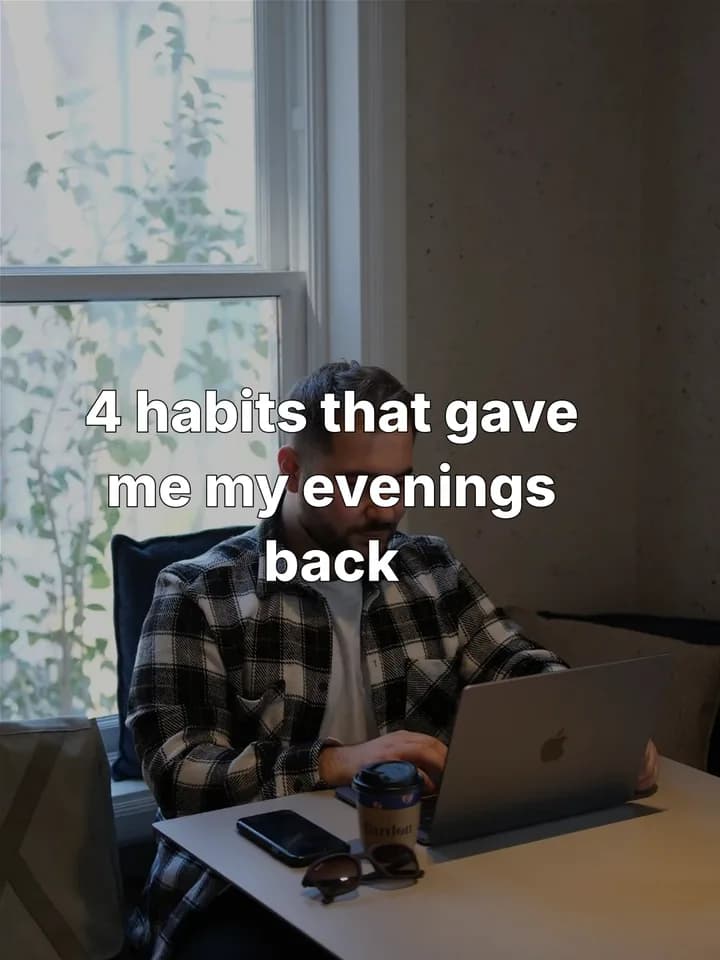 Listicle hooks18 hooks · 4 habits that gave me my evenings back
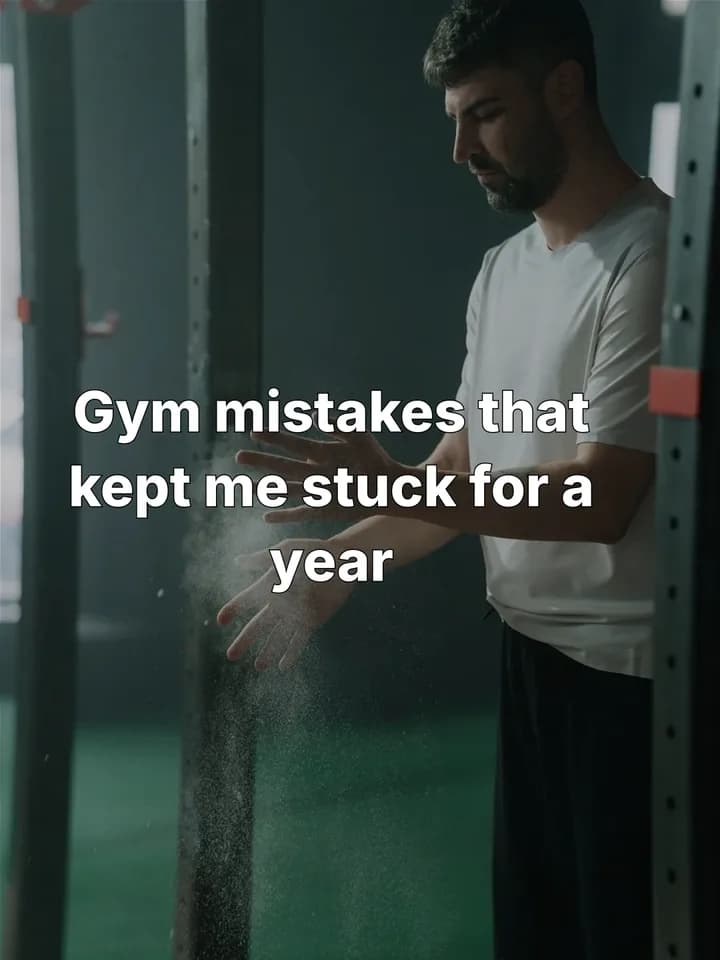 Mistake hooks18 hooks · Gym mistakes that kept me stuck for a year
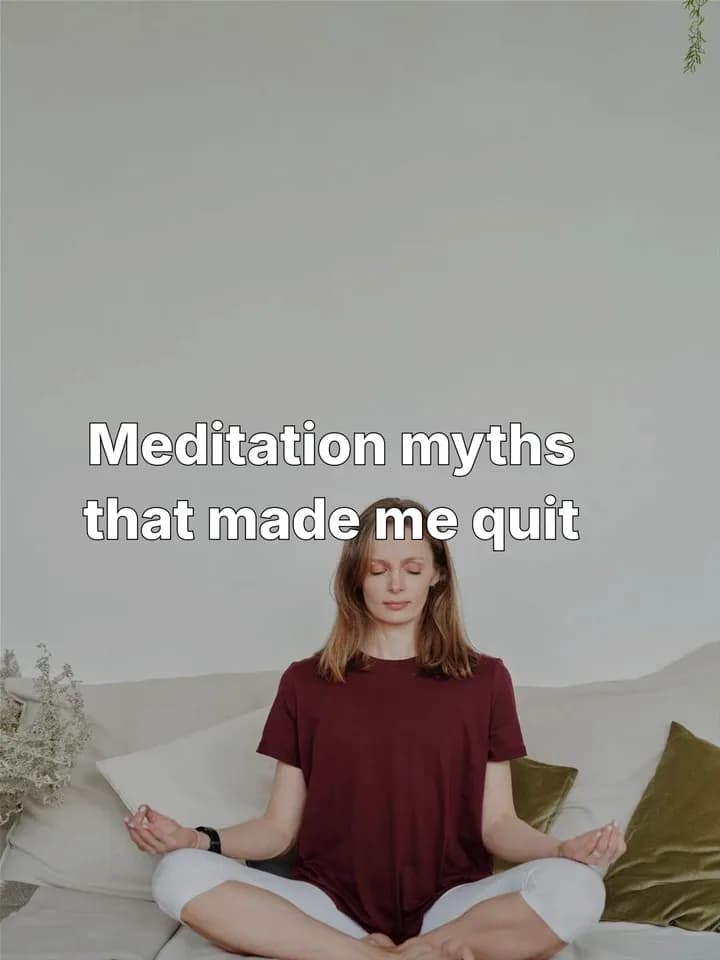 Myth vs fact hooks18 hooks · Meditation myths that made me quit
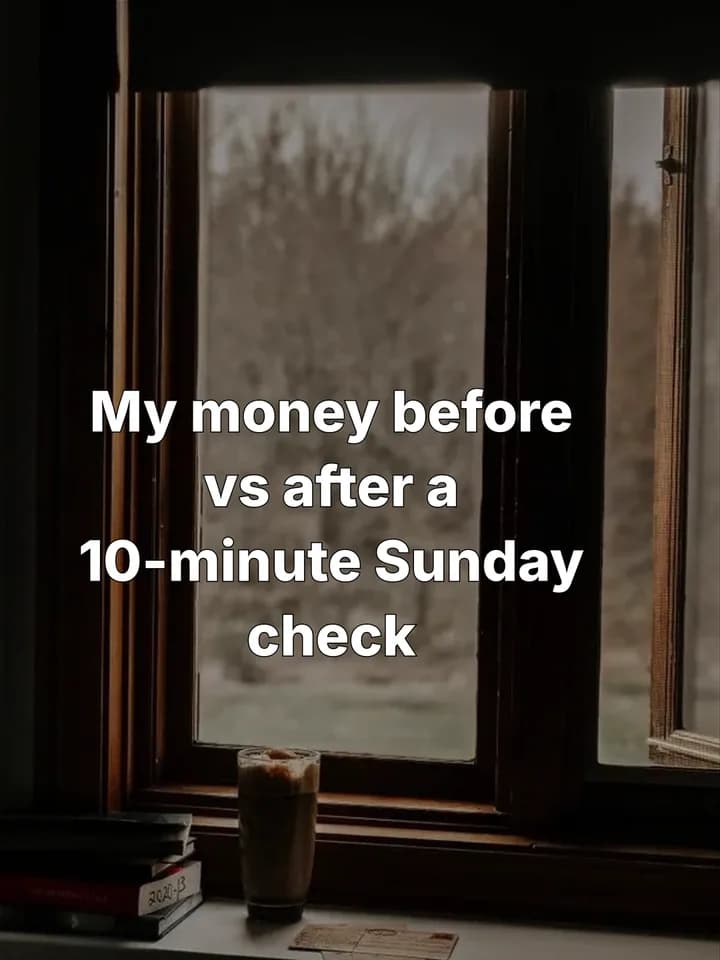 Before and after hooks18 hooks · My money before vs after a 10-minute Sunday check
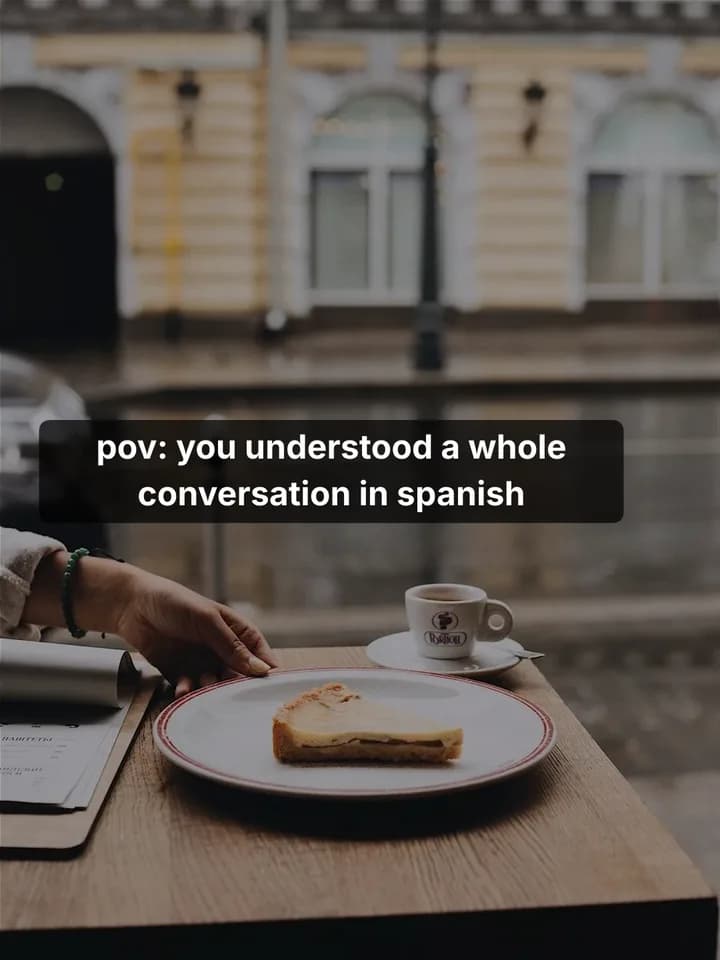 POV hooks18 hooks · pov: you finally understood a whole conversation in Spanish
 I wish I knew hooks18 hooks · Study tips I wish I knew before my first exam
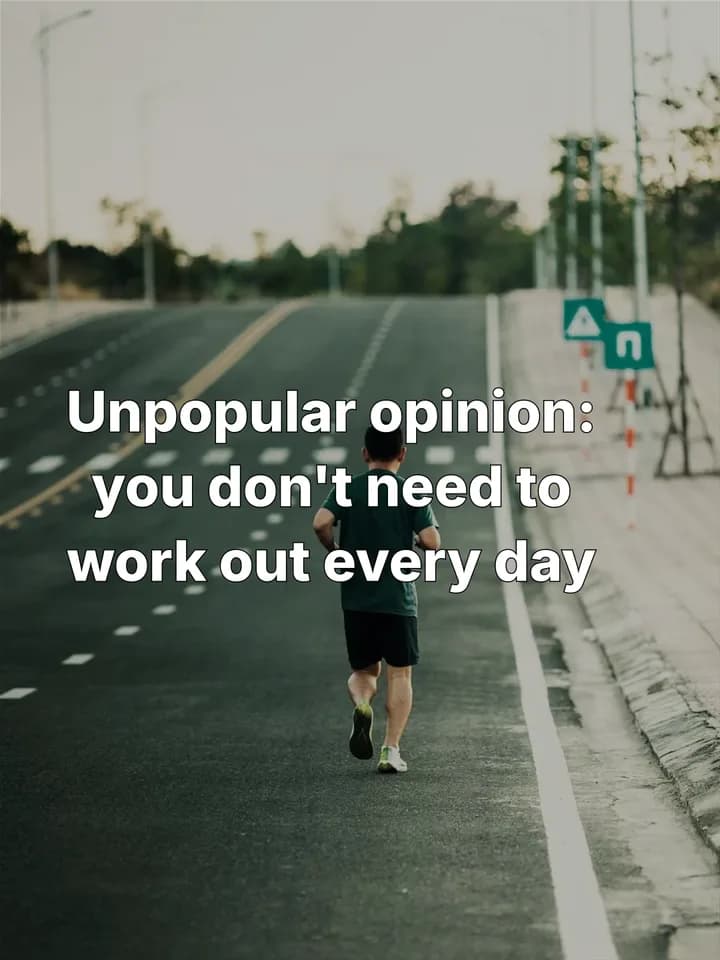 Unpopular opinion hooks18 hooks · Unpopular opinion: you don't need to work out every day
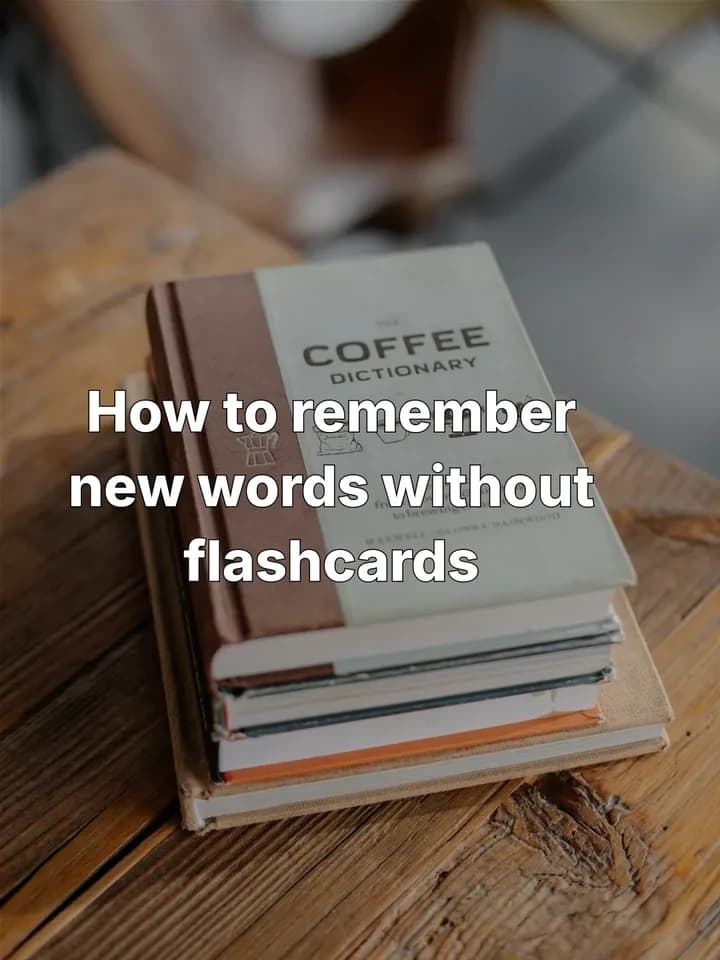 How-to hooks18 hooks · How to remember new words without flashcards
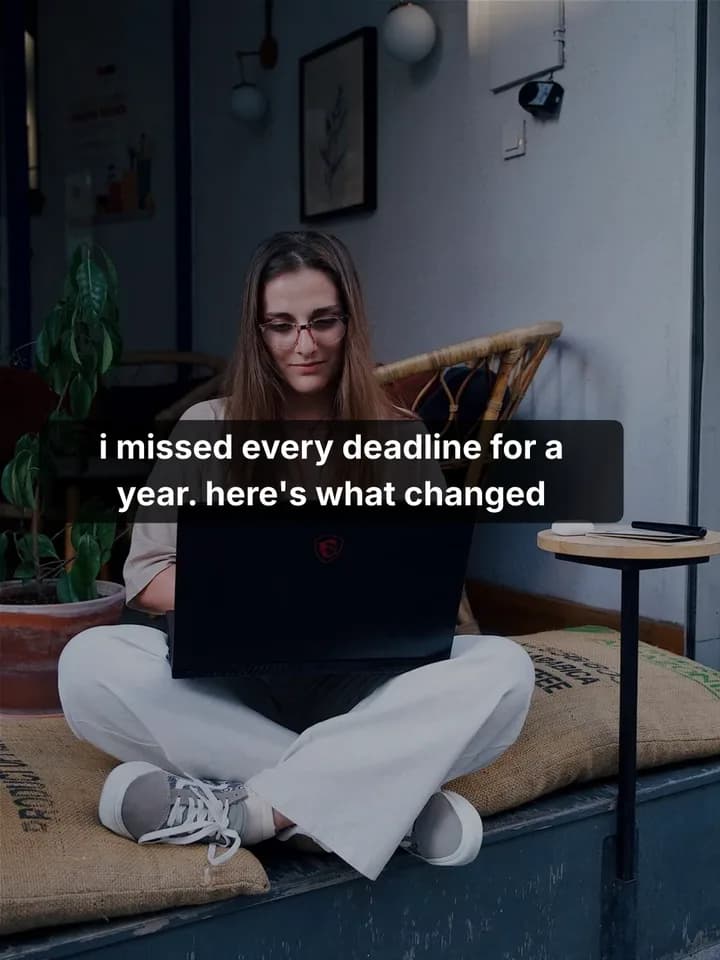 Storytime hooks18 hooks · I missed every deadline for a year. Here's what changed
Make your first 2 posts free
Paste your app or store link, show Reelazy a TikTok slideshow you like, and it makes your first 2 posts in that format. Free for 2 posts on 1 TikTok account, no card. Pro is from $19 a month.